

Free 7-day trial
$0 USD
- Every feature for 7 days
- Trial details by email; no card
Loading Creators Packs
Split screens, boxes and multicam layouts in one click.
$0 USD
$9.00 USD$19.00 USDonce
One-time purchase. No subscription. Your code arrives by email right after checkout.
After the trial, applying layouts needs Pro. Restore always puts your clips back.
Motion, sound tools, looks, labels, backgrounds and new versions are Premiere Pro only. DaVinci Resolve’s scripting can’t write keyframes, move clips or add pictures; in Resolve you get every layout, crop and tilt.
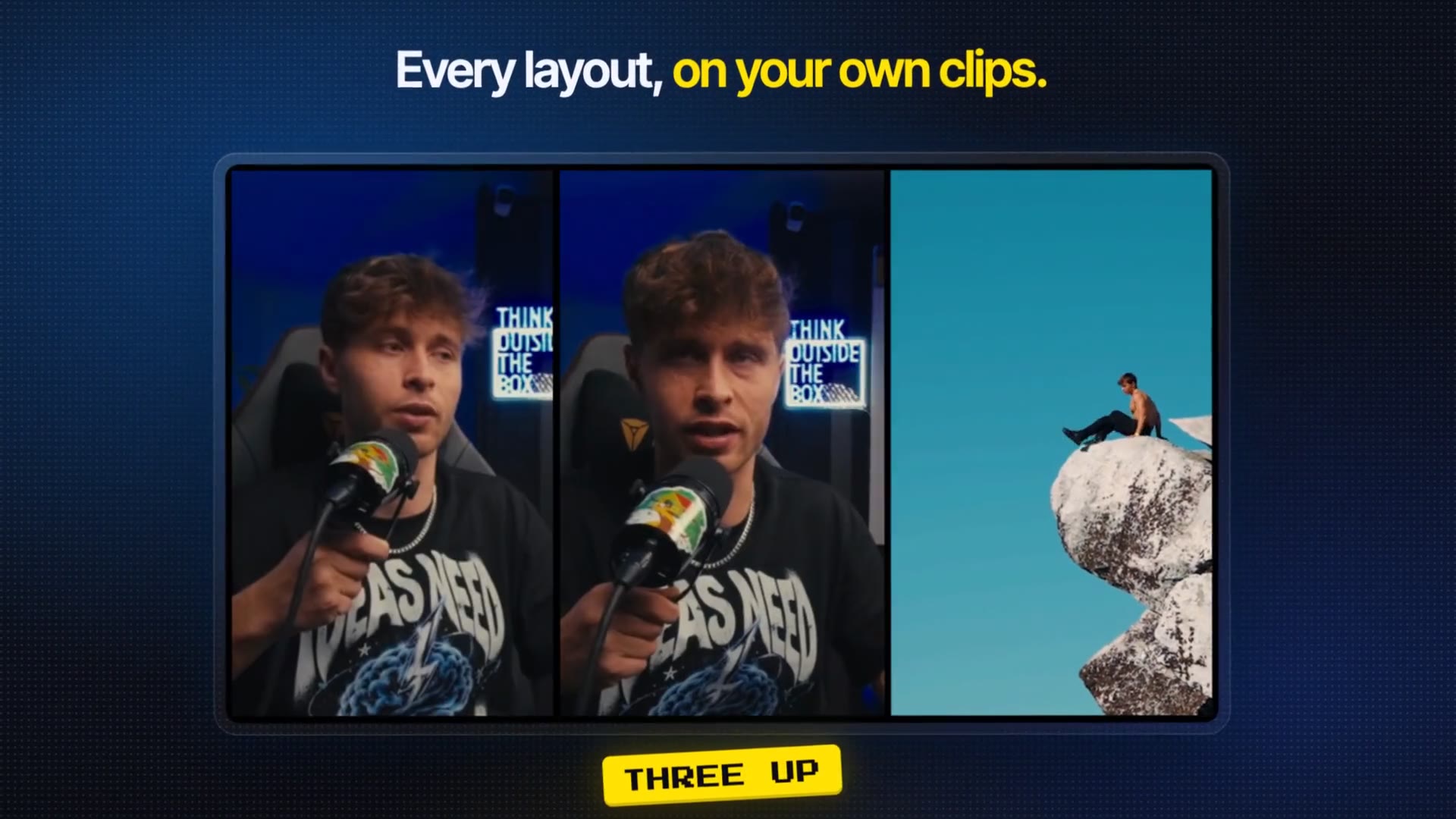
Split screens, boxes, circles, grids, cards. Flick through them on your own footage before you apply.
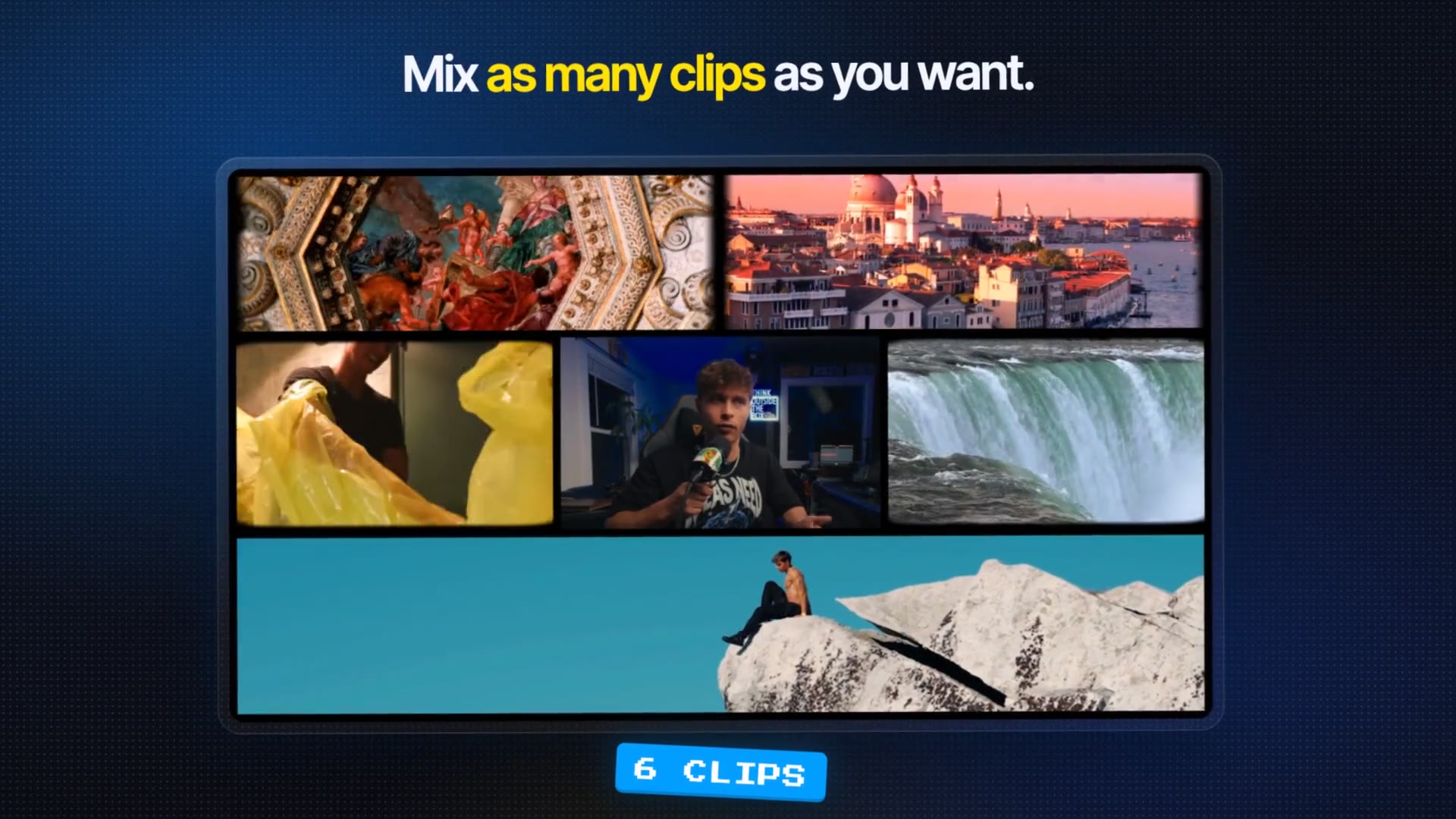
Two clips, five, or a grid of nine. Tap a pane, tap a clip.
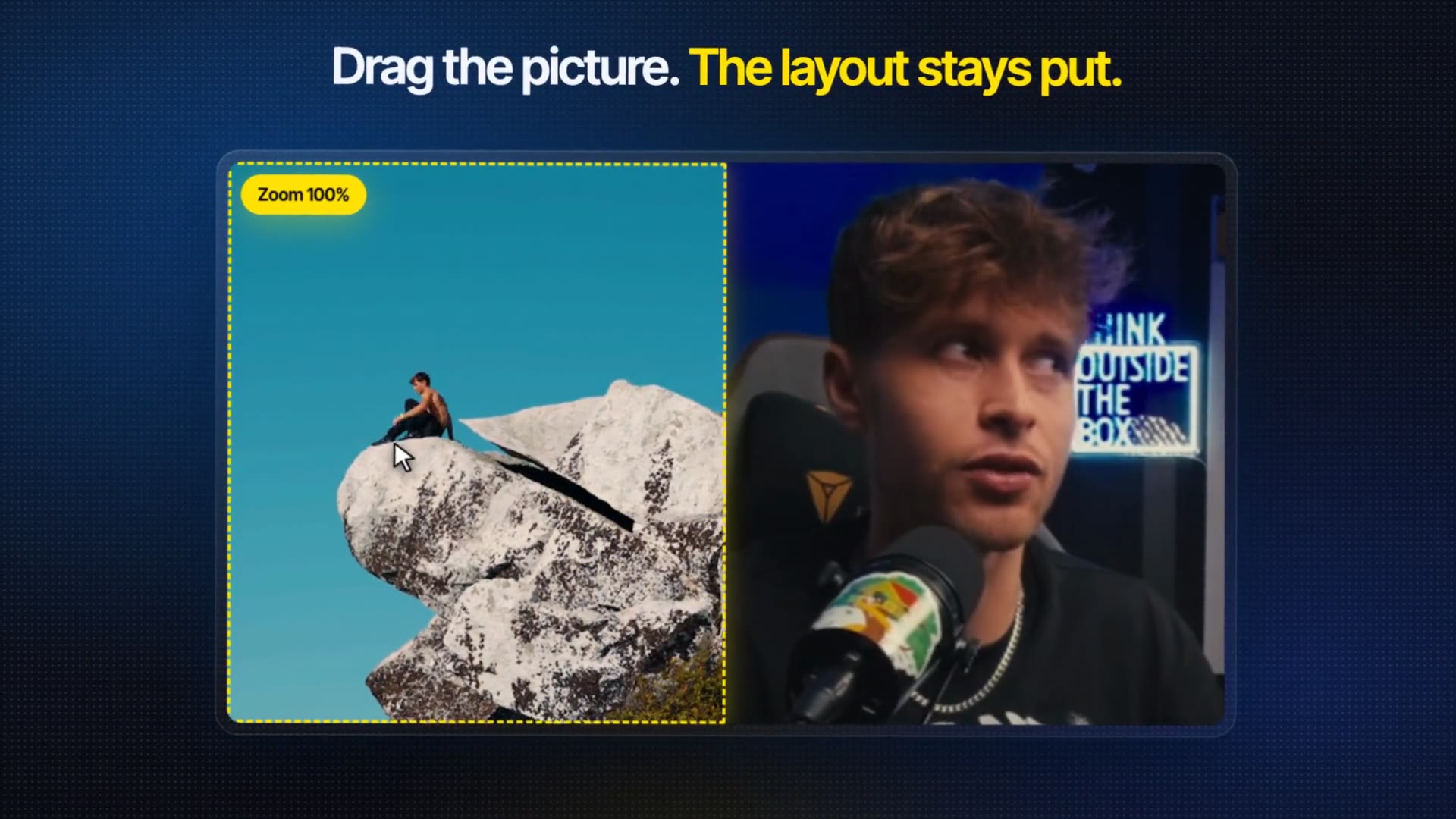
Drag and zoom the picture inside any pane. The layout and crop never move.
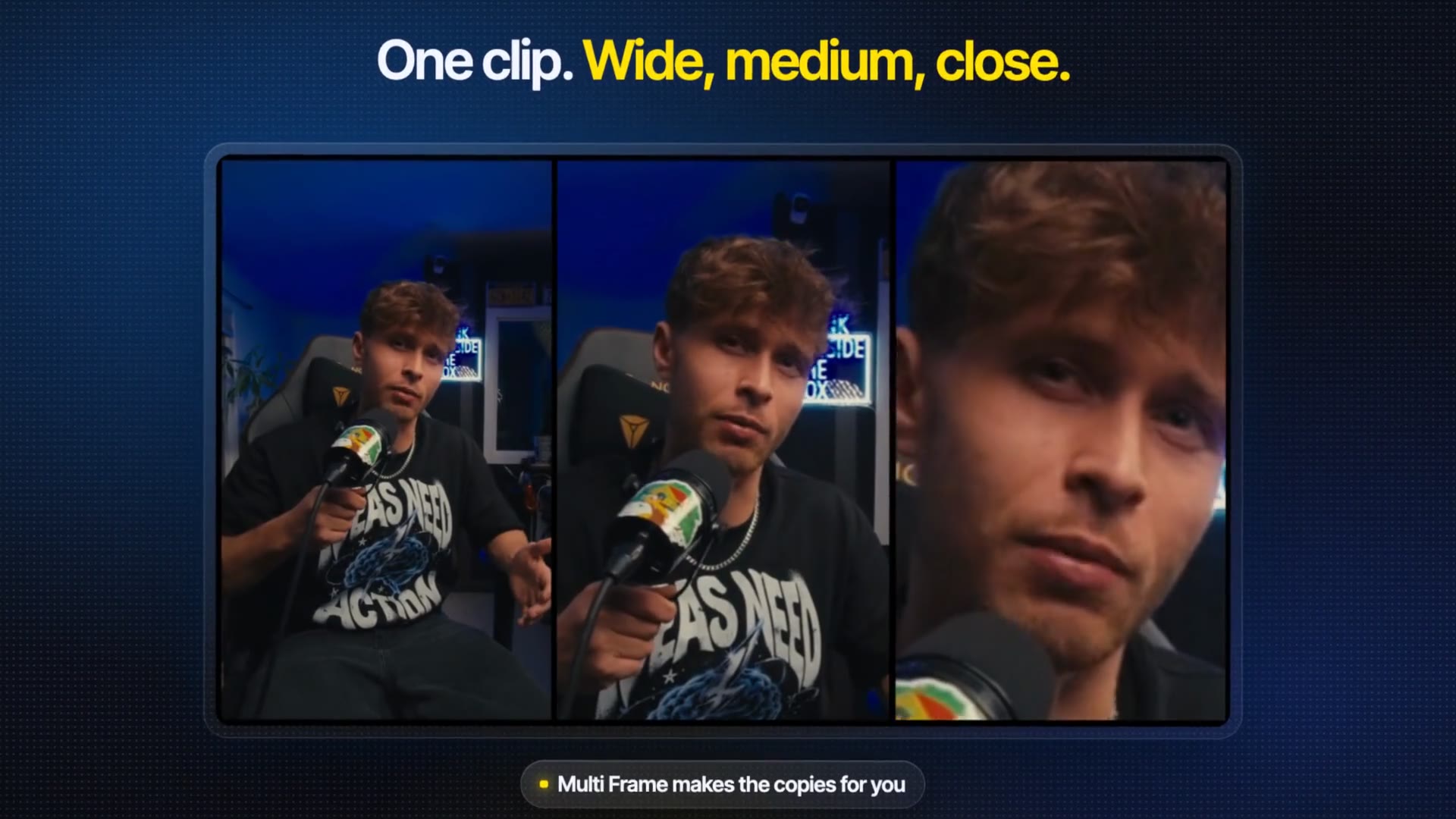
Eyes on the upper third in any shape: 16:9, 9:16, 1:1, 4:5. One clip can even become wide, medium and close.
Quit Premiere Pro and DaVinci Resolve before you install.
Multi Frame Installer.pkg on a Mac, Multi-Frame-Setup-Windows.exe on Windows (it adds the panel to whichever you have).
Premiere Pro: Window > UXP Plugins > Multi Frame.
DaVinci Resolve Studio: Workspace > Workflow Integrations > Multi Frame.
No. Multi Frame writes scale, position and crop onto your clips, like you would by hand. Everything stays editable, and Restore puts every clip back exactly as it was.
No. Resolve only runs plugins in DaVinci Resolve Studio.
Yes. The download has a Mac installer and a Windows setup (Windows 10 / 11, 64-bit). Windows may say “Windows protected your PC”: click More info, then Run anyway.
Never. Faces are found on your own computer. The only thing Multi Frame fetches online is a small file that says whether an update is out.
Your Pro code arrives by email right after checkout. In Multi Frame open Layouts & settings > More, paste it and click Unlock.
Multi Frame asks for Pro before it applies layouts. Your edits stay exactly as they are, and Restore still works.